Description
iTools
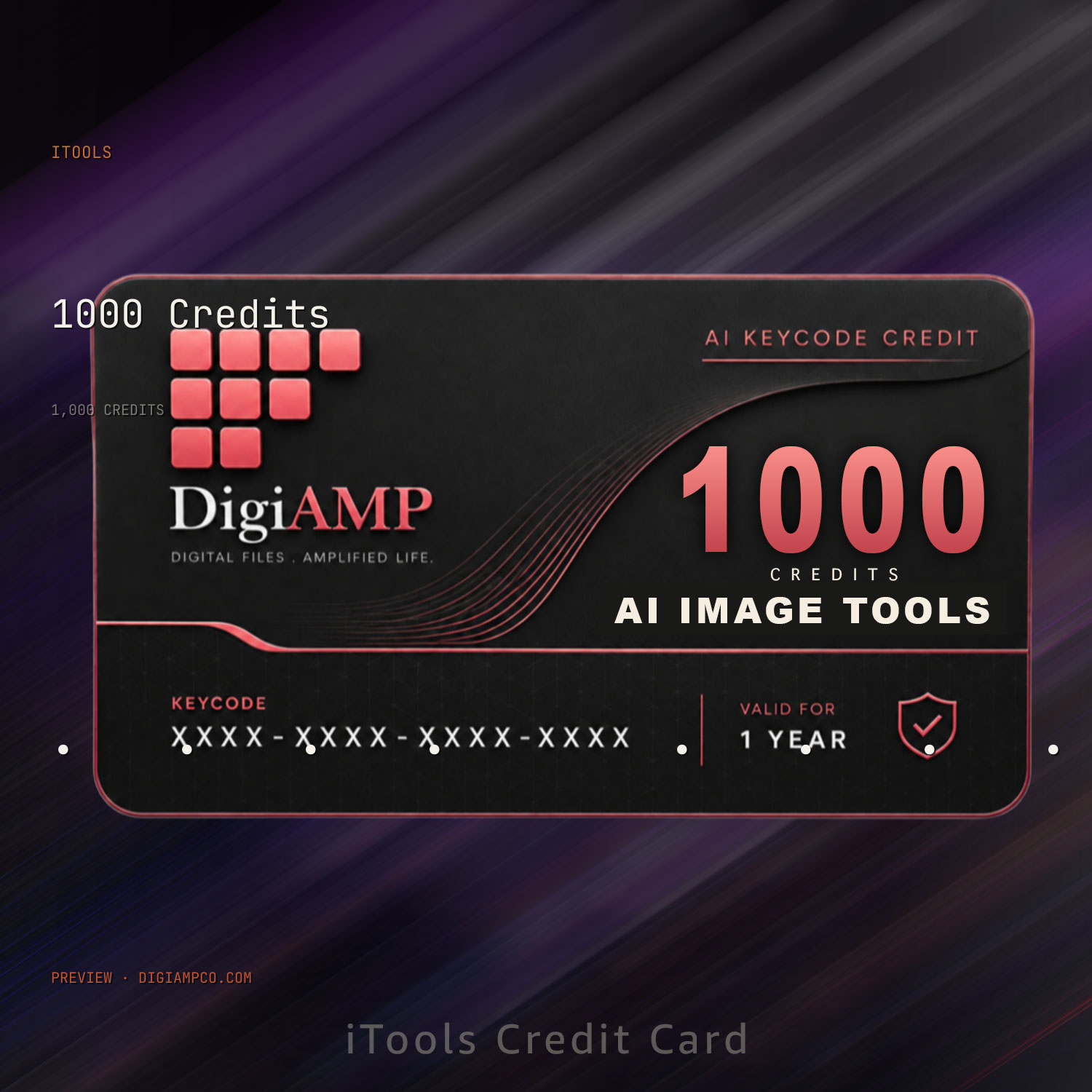
A professional AI image editing studio with 1000 credits and 8 pro-grade tools — upscale, restore, colorize, style transfer, retouch and remove backgrounds. One credit balance, every tool, no rigid restrictions.
1000 credits included · Instant access · No subscription required

One credit balance. Eight professional tools.
1000 credits included — spend them across any tool, any time. No per-tool subscriptions, no locked-off features.

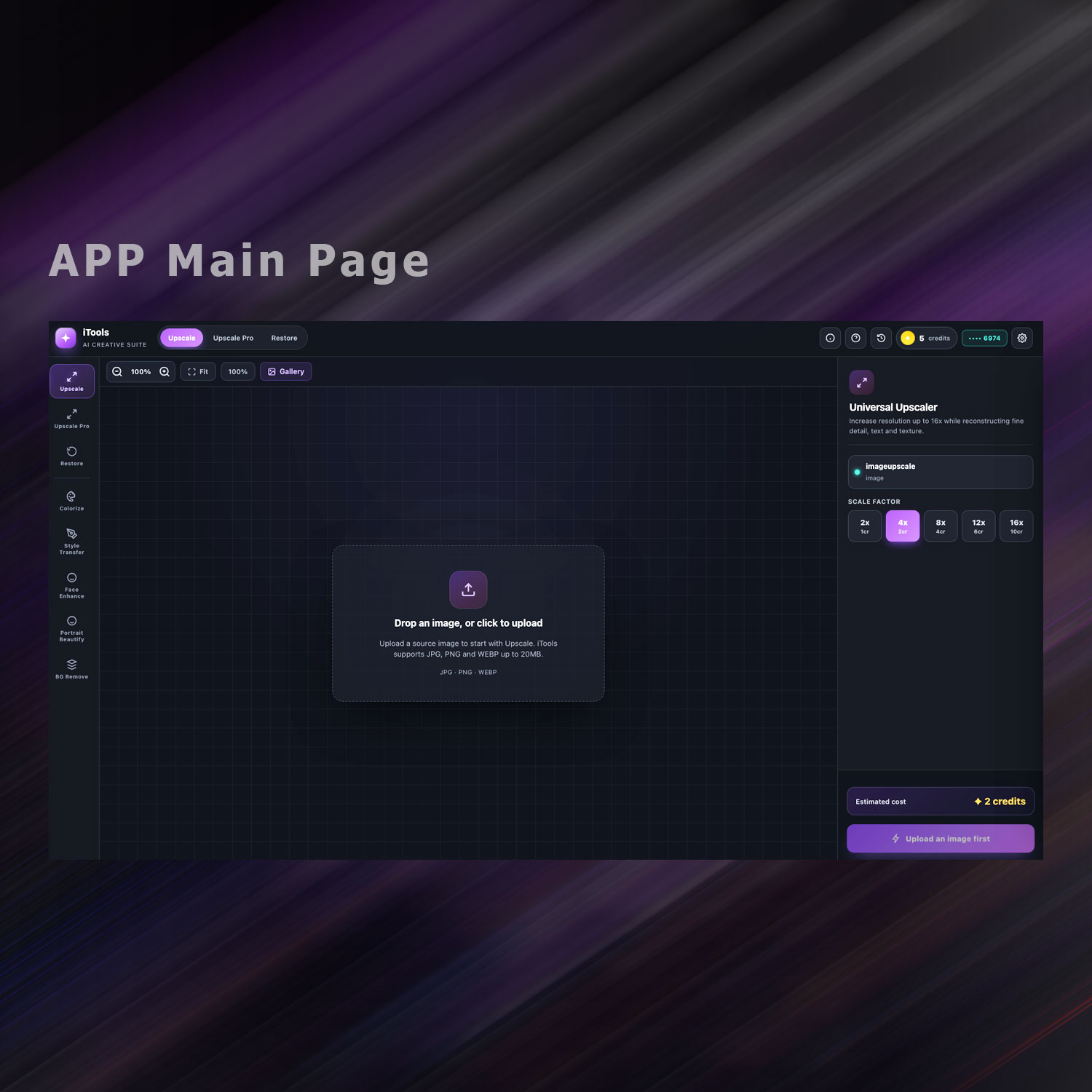
Upscale
Enlarge photos up to 16x with reconstructed detail and texture.
From 1 credit

Upscale Pro
Premium 2K / 4K / 8K scaling for print-ready output.
From 2 credits

Restore
Repairs scratches, creases, fading and noise damage.
10 credits

Colorize
Black and white photos to full, era-accurate color.
10 credits

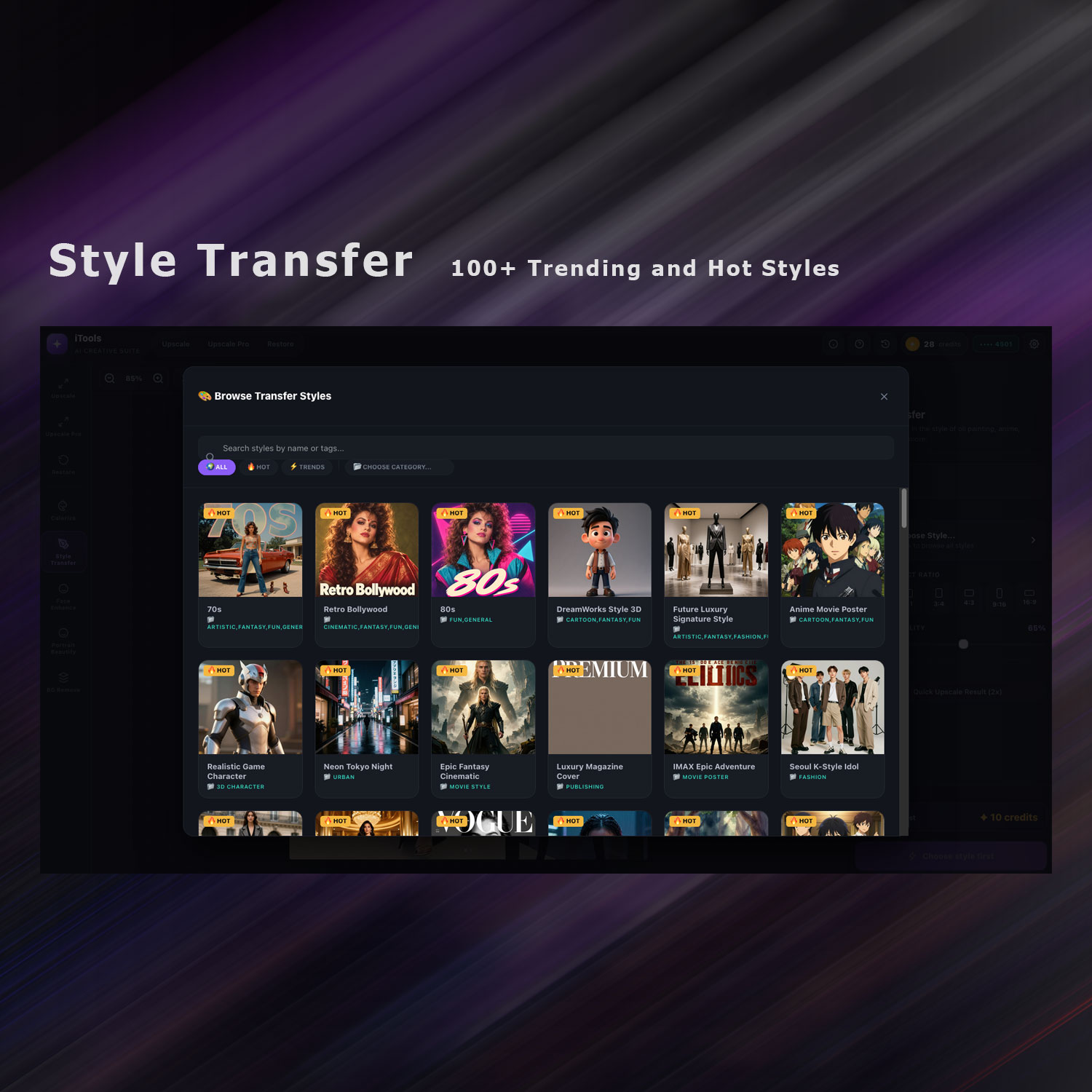
Style Transfer
Repaint any photo as oil painting, anime, cyberpunk and more.
10 credits

Face Enhance
Restores blur, artifacts and low-res detail in portraits.
10 credits

Portrait Beautify
Skin smoothing, eye brightening and teeth whitening.
10 credits

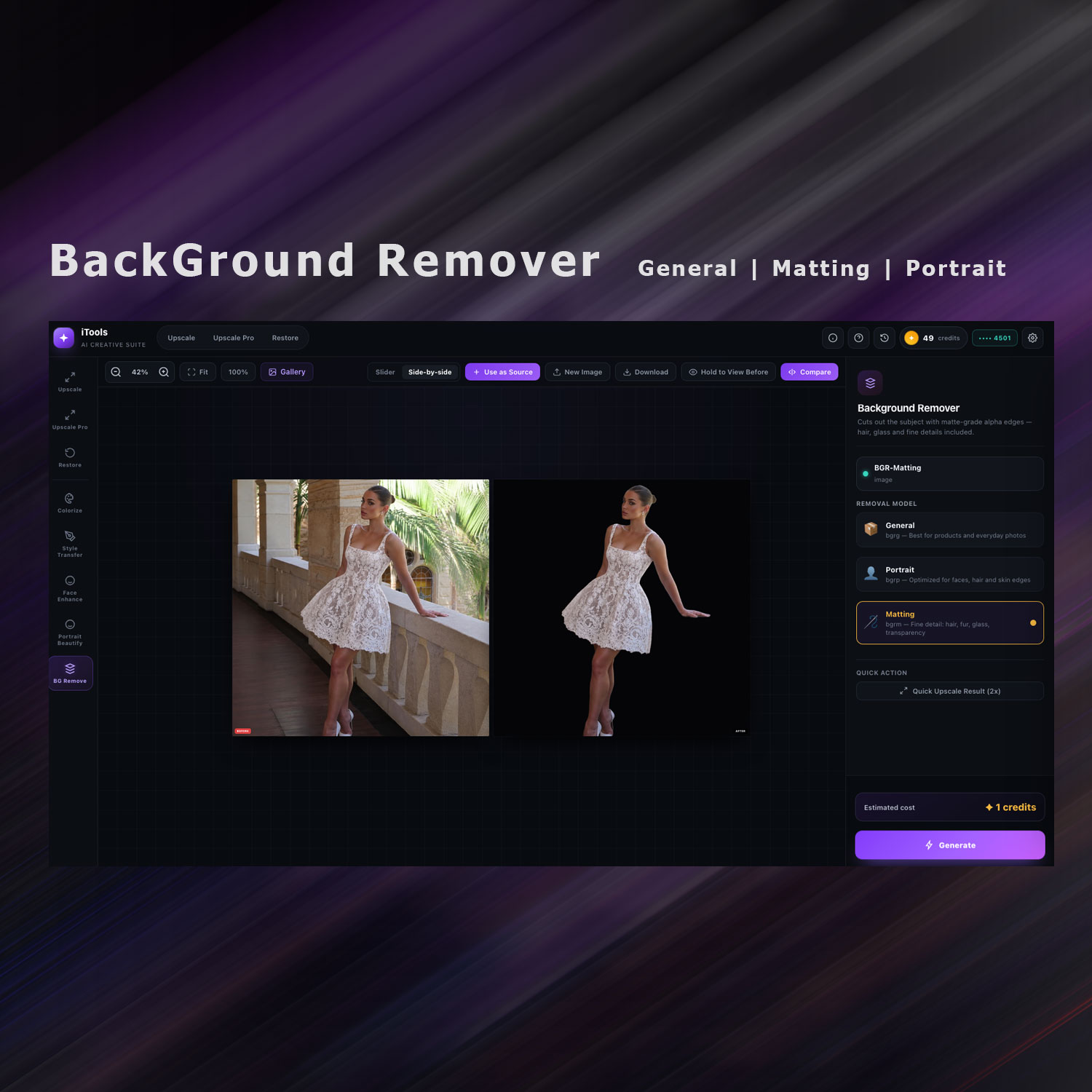
BG Remove
Matte-grade cutouts — hair, glass and fine detail included.
1 credit
Exact credit cost, tool by tool
Upscale
Priced by scale factor
Upscale Pro
Priced by target resolution
Flat-rate tools — same cost every time
With 1000 credits, that's roughly 100 flat-rate edits (style transfer, colorize, restore) , 1000 BG removals, or a mix of everything — your call.
What's included
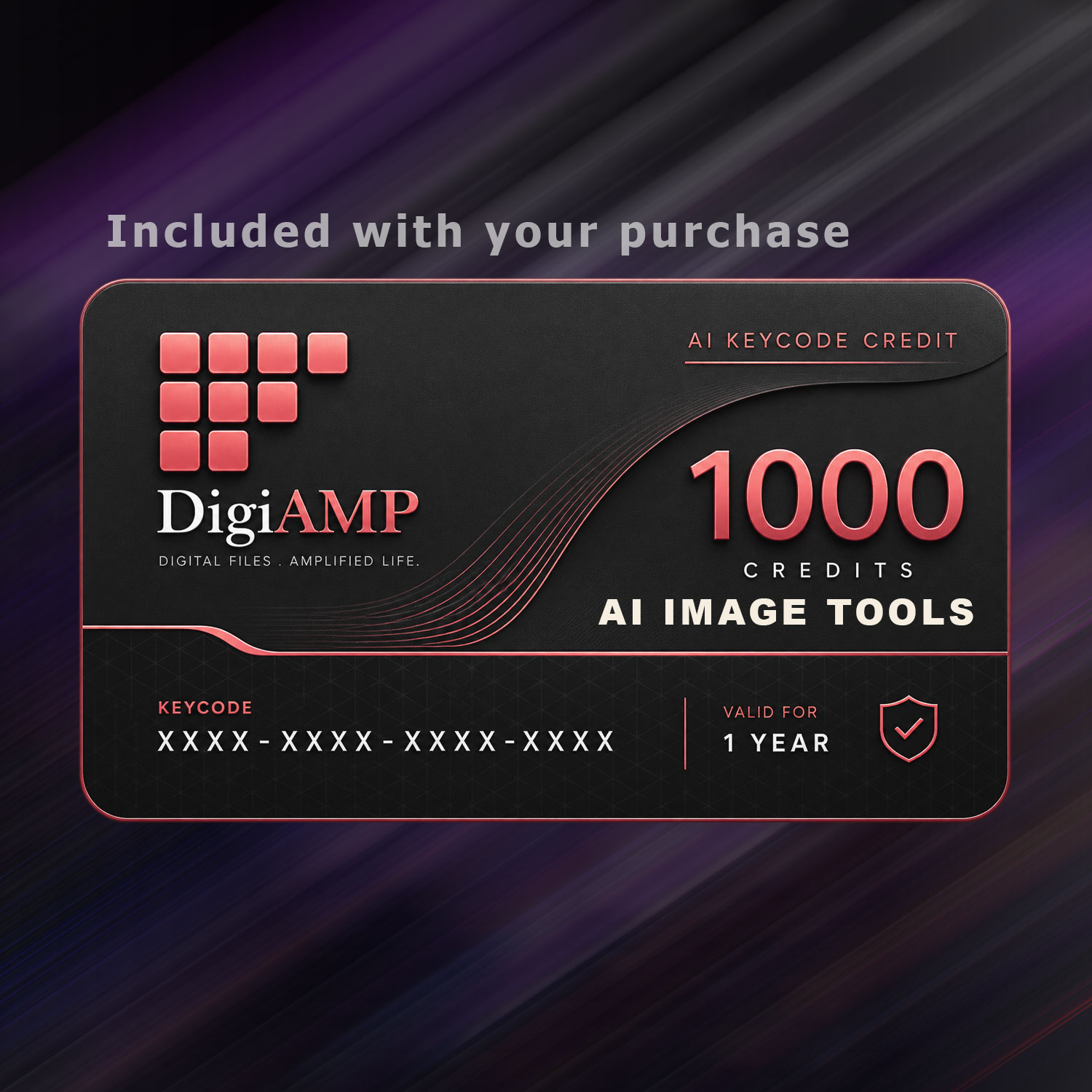
1000 credits, ready to use instantly
All 8 tools unlocked from day one
Full-resolution downloads, no watermarks
Auto-save gallery with full history
Before/after compare view on every edit
No subscription, credits never expire
Every render, saved automatically
Every image you process lands in your personal gallery — organized by tool, searchable, and ready to re-download any time. Nothing gets lost between sessions.

1000 credits, 8 tools, instant access. No design skills required.
Get iTools — $29.99Frequently asked questions
What's the difference between Upscale and Upscale Pro?
Upscale handles everyday resizing up to 16x with a flexible per-scale cost (1-10 credits). Upscale Pro is tuned for print and professional output at fixed 2K, 4K, or 8K targets (2-10 credits), with stronger detail reconstruction.
Can I use the edited images commercially?
Yes. You own every image you process and can use it for personal or commercial projects, client work, print, or online publishing, with no watermark and no royalty owed beyond your one-time purchase.
Do the 1000 credits expire?
No. Your credits are yours to use at your own pace across any of the 8 tools, with no monthly reset and no subscription.
How does BG Remove handle hair and fine detail?
BG Remove uses matte-grade edge detection built for hair strands, glassware, and fur, not just simple silhouette cutouts, so edges stay clean even on complex subjects.there are 3 types of that you can choose for your need : General , Portrait & Matting
How private are the photos I upload?
Nobody else can see or access your images. They aren't shared, indexed, or used to train other models, and originals are removed from our processing servers shortly .
Does iTools work on mobile?
Yes. The studio interface adapts to phones and tablets, so you can upload, edit, and browse your gallery from any device.
Can I batch-process multiple photos at once?
Each edit runs on one image at a time for full control over settings like scale and detail strength, and results save straight to your gallery so you can work through a batch quickly.
Is this a subscription?
No. iTools is a one-time purchase for 1000 credits with no recurring charge. When you run low, you can top up with another KeyCode.